Nox Uninstaller
Uninstall programs completely — with a scored leftover scan and a quarantine you can undo.
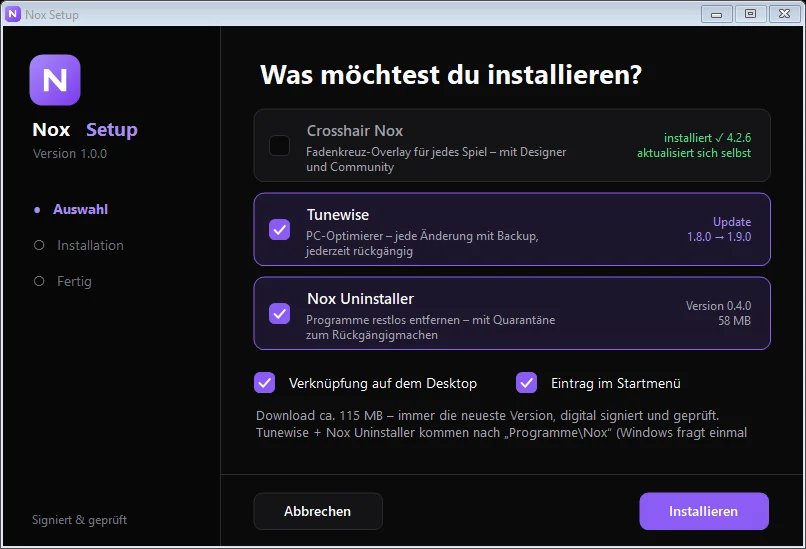
Nox Setup installs the newest version of Nox Uninstaller, checks its signature and keeps it up to date. Windows asks once for administrator rights.
Take a look
See it in action
Real screenshots from Nox Uninstaller — click an image for the full view.
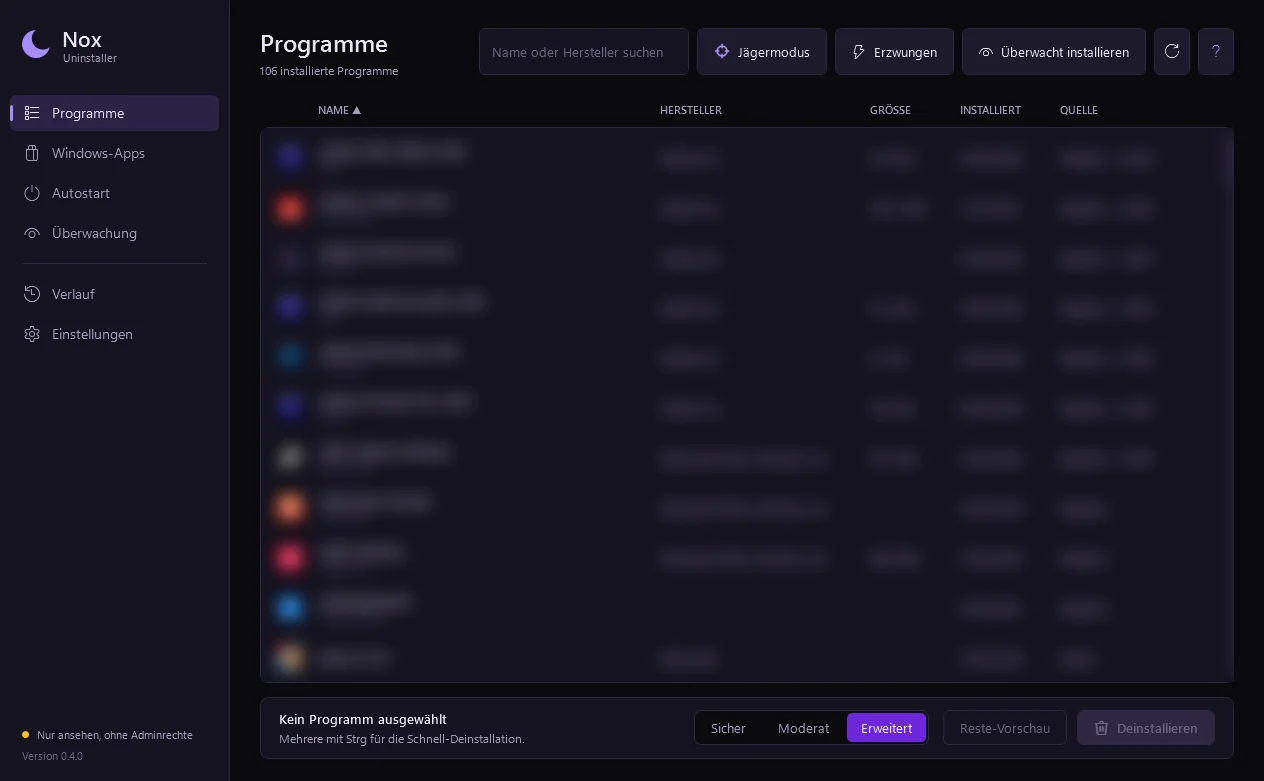
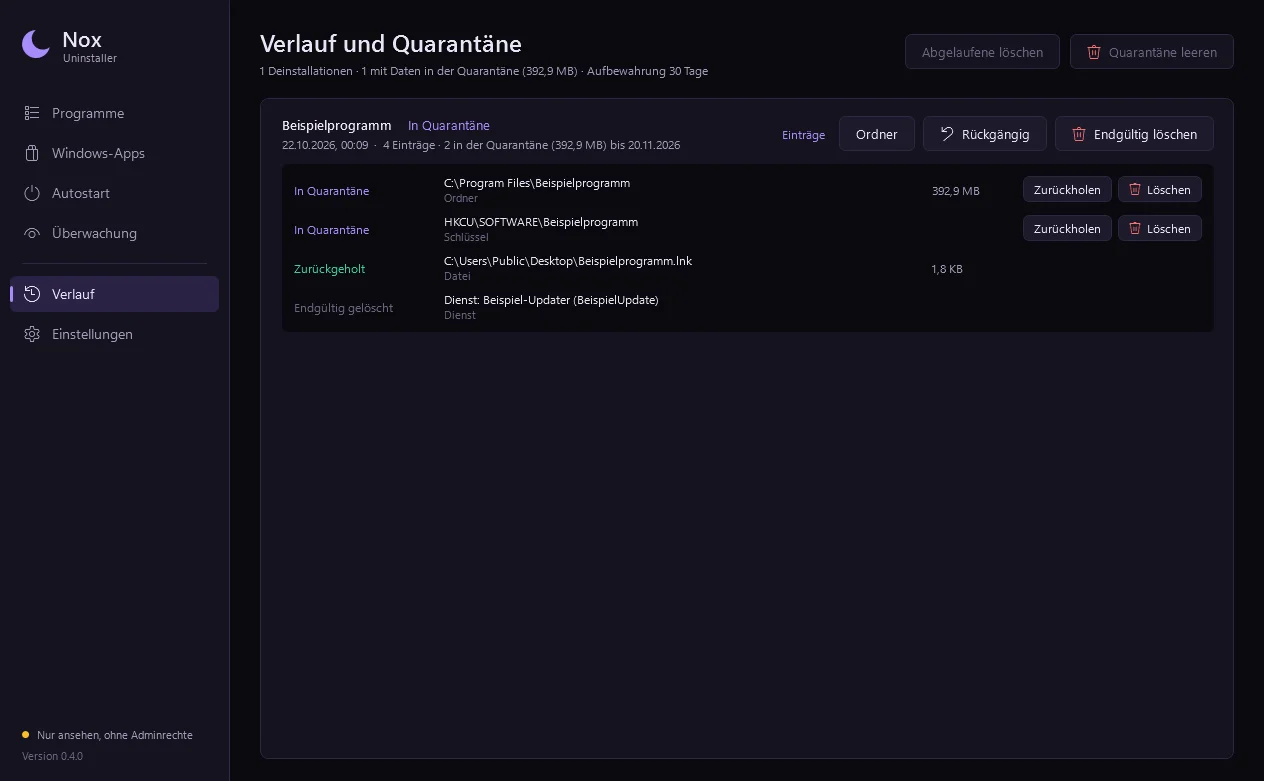
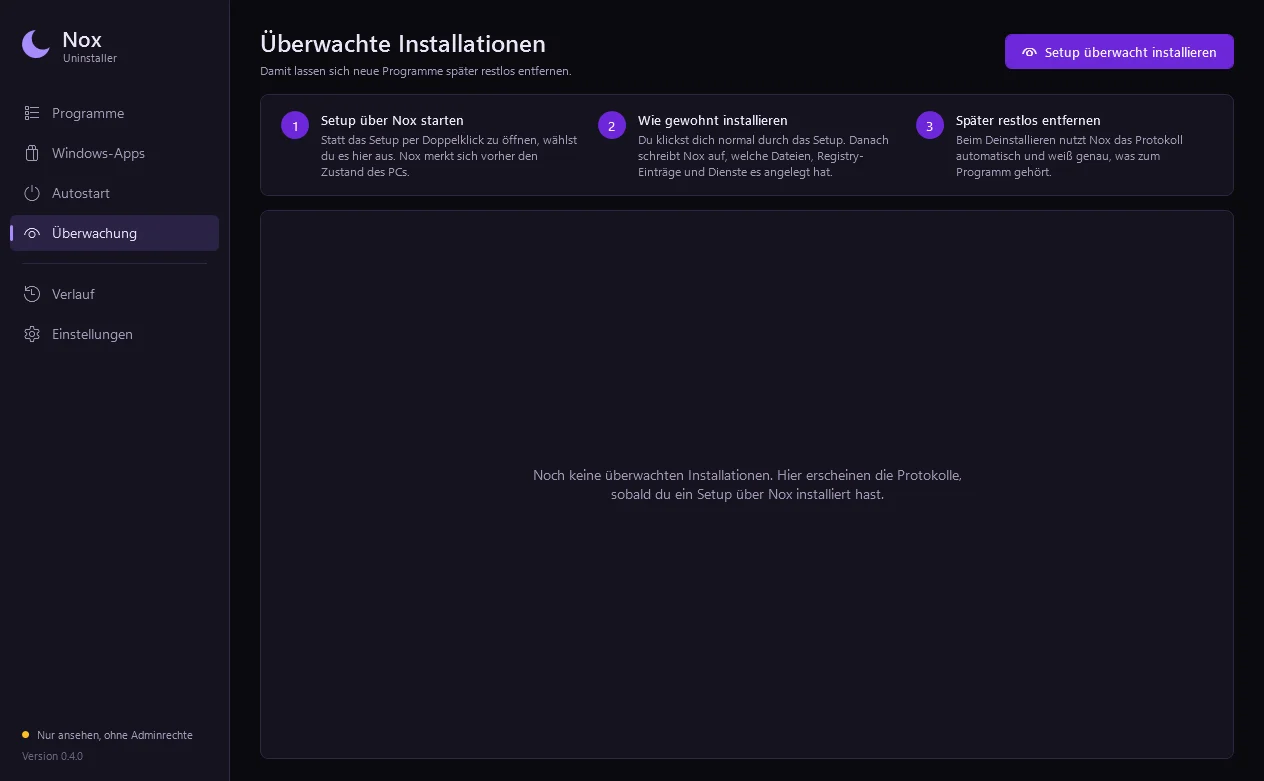
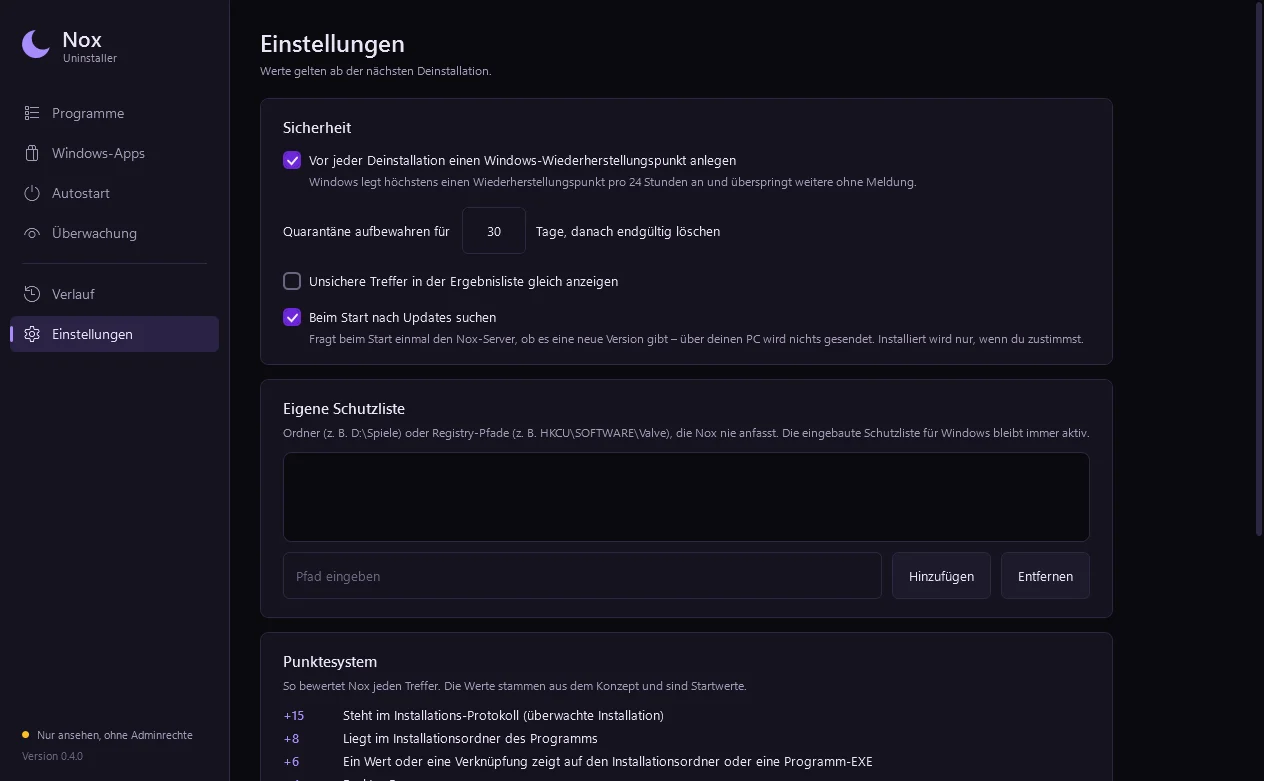
Program list with size, date and source — uninstall with a leftover search in three levels.
How it works
Ready in a few steps.
- 1
Install
Start Nox Setup, tick “Nox Uninstaller” — done. No extra .NET needed.
- 2
Pick a program
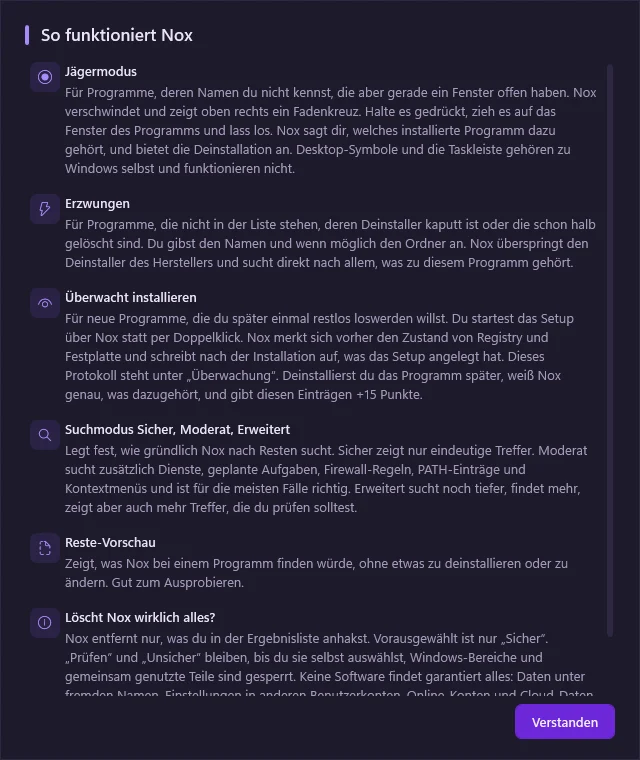
From the list, point at a window with hunter mode, or force-remove broken programs.
- 3
Uninstall & find leftovers
The vendor's uninstaller runs first, then Nox searches for leftovers — safe, moderate or advanced.
- 4
Review & restore
Every finding comes with a reason. Removed items stay in quarantine for 30 days and can be restored.
Nox Uninstaller runs the vendor's own uninstaller first, then scans for leftovers in three modes (safe, moderate, advanced). Every finding comes with a score and a reason, and nothing is deleted outright: removed items go to a quarantine that can be restored for 30 days.
It also handles forced uninstalls of broken programs, batch uninstalls, Windows Store apps, autostart entries and Steam/Epic games.
Features
- Vendor uninstaller first, then a scored leftover scan
- Three scan modes: safe, moderate, advanced
- Quarantine with undo per session (30 days)
- Restore point and .reg backup before removal
- Forced uninstall for broken or half-removed programs
- Hunter mode: drag a crosshair onto a window to find its program
- Batch uninstall queue
- Windows Store apps and autostart manager
- Steam and Epic games
Changelog
Version 0.4.0
Released Oct 20, 2026
Jetzt über Nox Setup installierbar, fragt beim Start nach Updates und braucht keine extra .NET-Installation mehr.