Nox-Crosshair
Your crosshair. Exactly right.
Crosshair Nox is a lightweight overlay for Windows with a full designer, pixel drawing tools and a community library. Premium unlocks the pro tools — buy once, keep it forever.
Take a look
See it in action
Real screenshots from Nox-Crosshair — click an image for the full view.
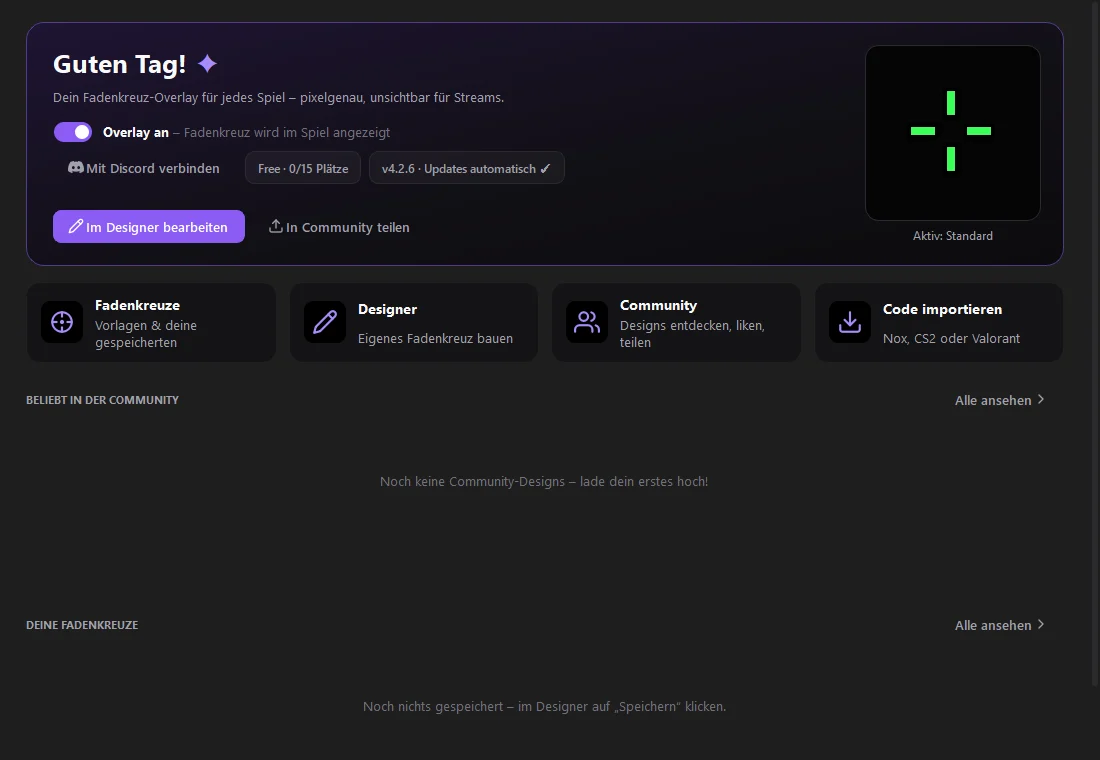
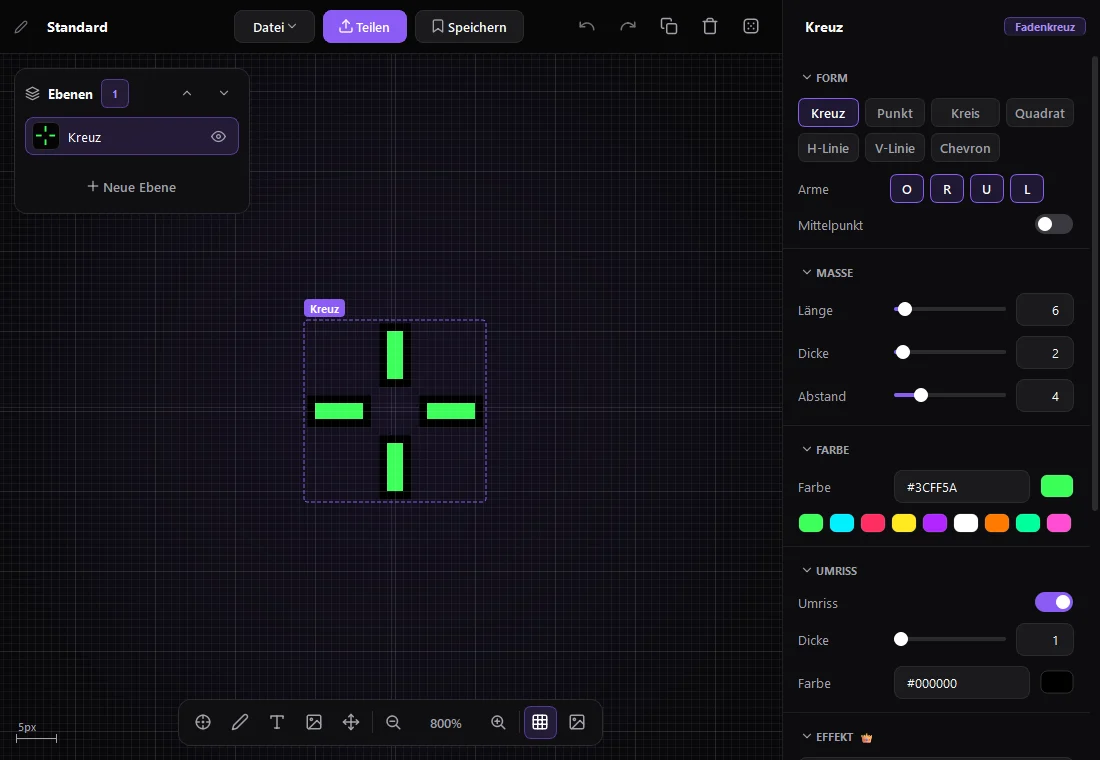
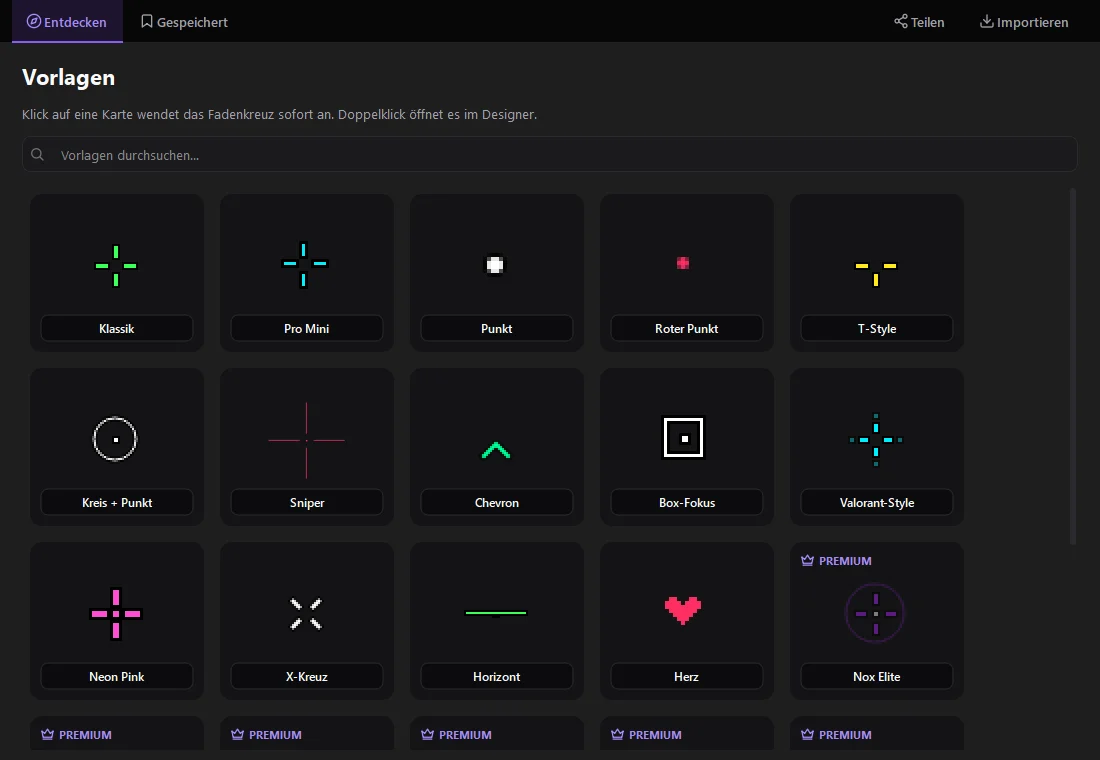
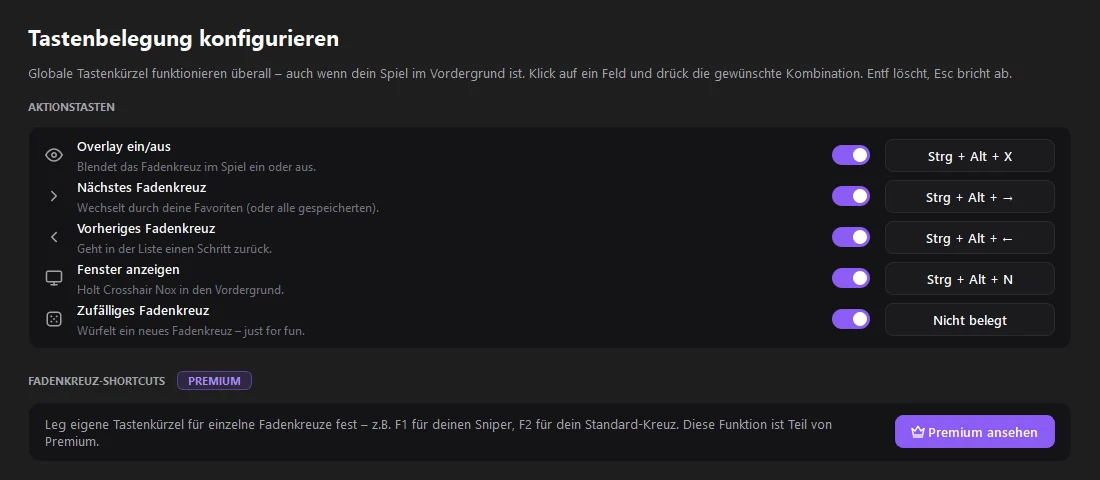
Home: overlay on/off, the active crosshair and quick ways to the designer, community and import.
How it works
Ready in a few steps.
- 1
Download & start
Get Crosshair Nox from the official download page. The app installs itself on first start and keeps itself up to date.
- 2
Pick a crosshair
Use a template, browse the community library, import a code from another game — or build your own in the designer.
- 3
Turn on the overlay
One click or your hotkey shows the crosshair over your game — optionally only while the game is in front.
- 4
Unlock Premium (optional)
Buy a code in the shop, paste it in the app under “Premium” and click “Aktivieren”.
Free and Premium
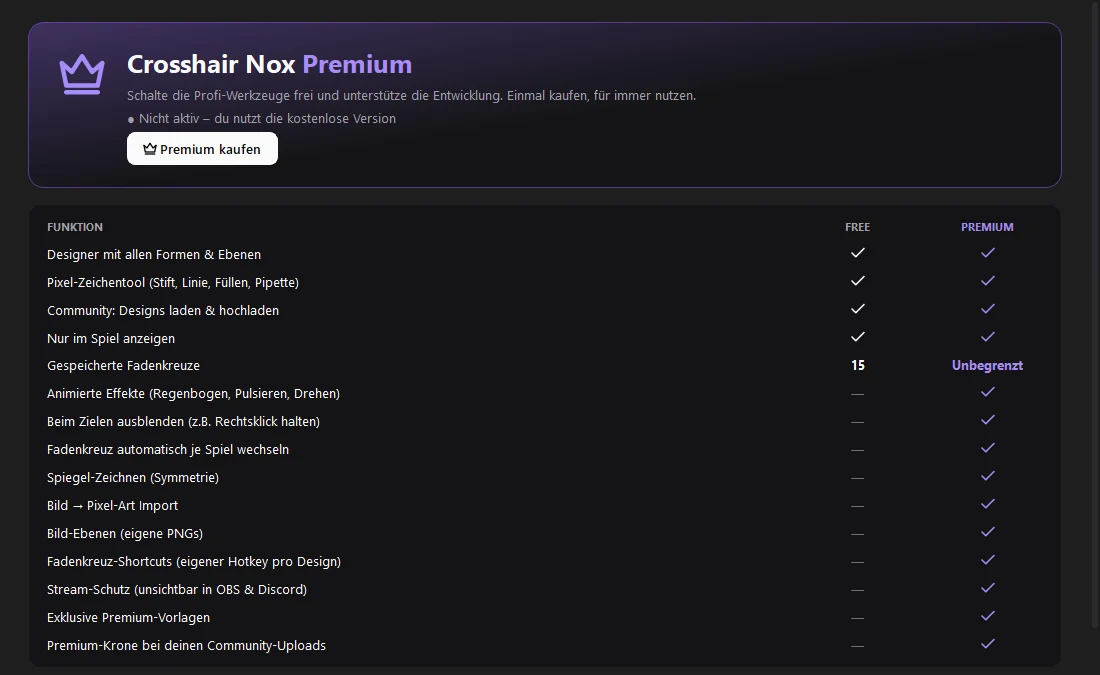
Everything that is free stays free. Premium adds the tools for players who want more.
| Feature | Free | Premium |
|---|---|---|
| Designer with all shapes and layers | ||
| Pixel drawing tool (pen, line, fill, eyedropper) | ||
| Community: browse and upload designs | ||
| Show only while in game | ||
| Saved crosshairs | 15 | Unlimited |
| Animated effects (rainbow, pulse, rotate) | ||
| Hide while aiming (e.g. hold right click) | ||
| Switch crosshair automatically per game | ||
| Mirror drawing (symmetry) | ||
| Image → pixel art import | ||
| Image layers (your own PNGs) | ||
| Crosshair shortcuts (own hotkey per design) | ||
| Stream protection (invisible in OBS & Discord) | ||
| Exclusive premium templates | ||
| Premium crown on your community uploads |
Questions & troubleshooting
Where do I find my code after buying?+
In your dashboard under Library. You can reveal and copy it there at any time, and we also email you when it is ready.
On how many PCs can I use it?+
Each code activates on the number of PCs shown on the product. To move to a new PC, remove the license in the app first (Premium → “Lizenz von diesem PC entfernen”) or contact support.
The app says my code is invalid.+
Codes never contain the letters O or I or the digits 0 or 1, so check for typos — pasting is safest. Your PC needs an internet connection once to redeem the code. If it still fails, open a support ticket with your order number.
Do I need to reinstall the app?+
No. Premium unlocks inside your existing installation. Crosshair Nox keeps itself up to date automatically.
Which systems are supported?+
Crosshair Nox is a Windows application.