Crosshair Nox
A lightweight crosshair overlay for Windows with a full designer and community library.
Take a look
See it in action
Real screenshots from Crosshair Nox — click an image for the full view.
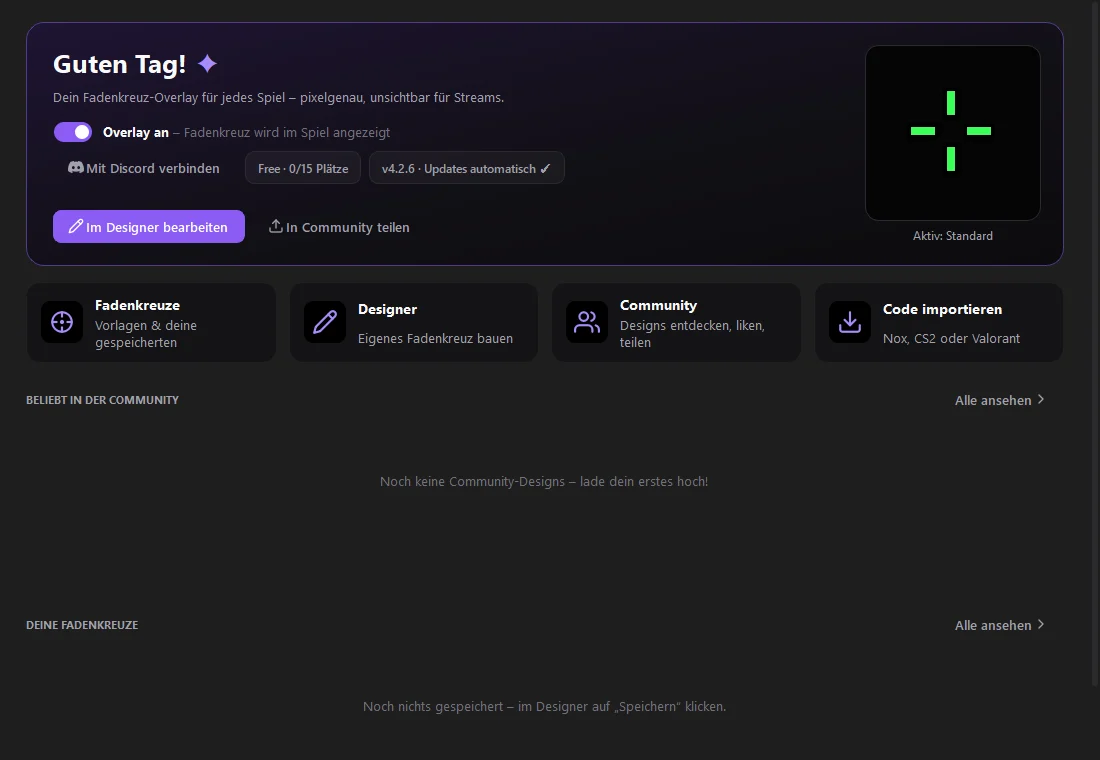
Home: overlay on/off, the active crosshair and quick ways to the designer, community and import.
How it works
Ready in a few steps.
- 1
Download & start
Get Crosshair Nox from the official download page. The app installs itself on first start and keeps itself up to date.
- 2
Pick a crosshair
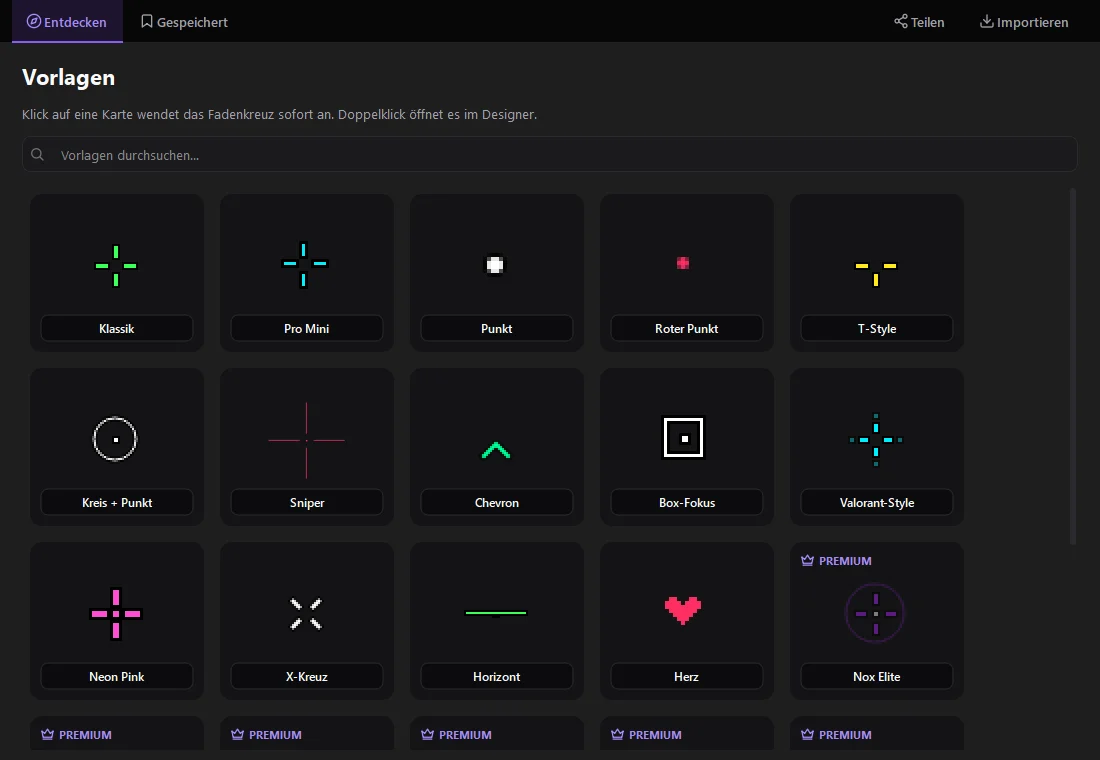
Use a template, browse the community library, import a code from another game — or build your own in the designer.
- 3
Turn on the overlay
One click or your hotkey shows the crosshair over your game — optionally only while the game is in front.
- 4
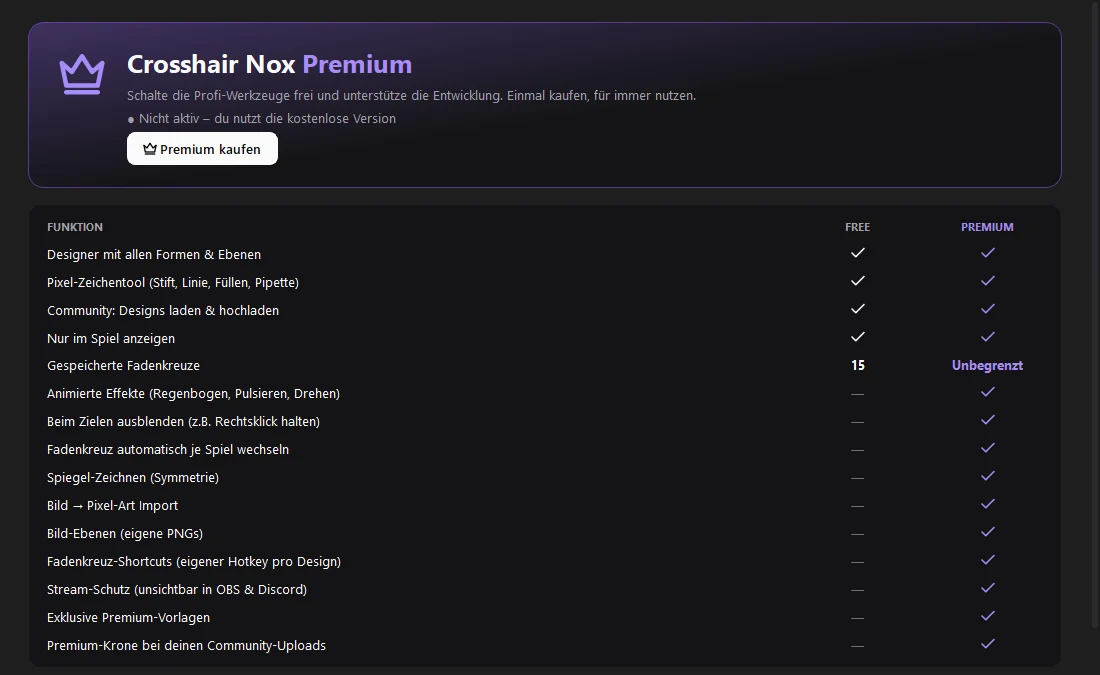
Unlock Premium (optional)
Buy a code in the shop, paste it in the app under “Premium” and click “Aktivieren”.
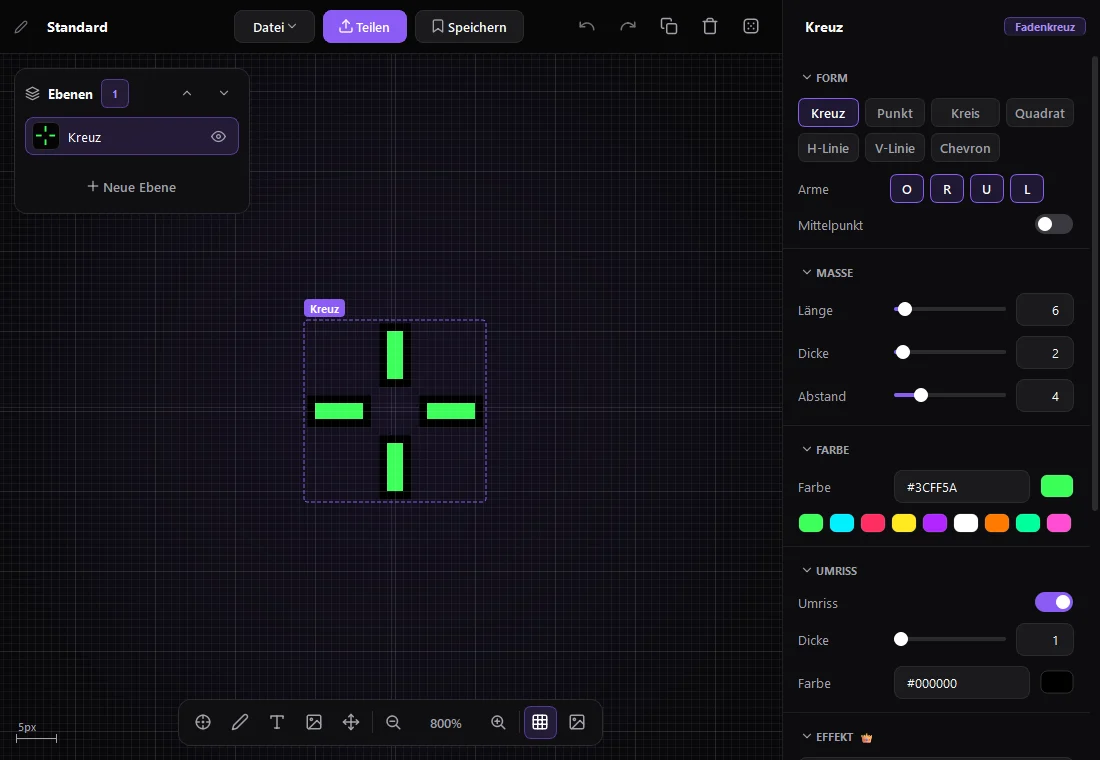
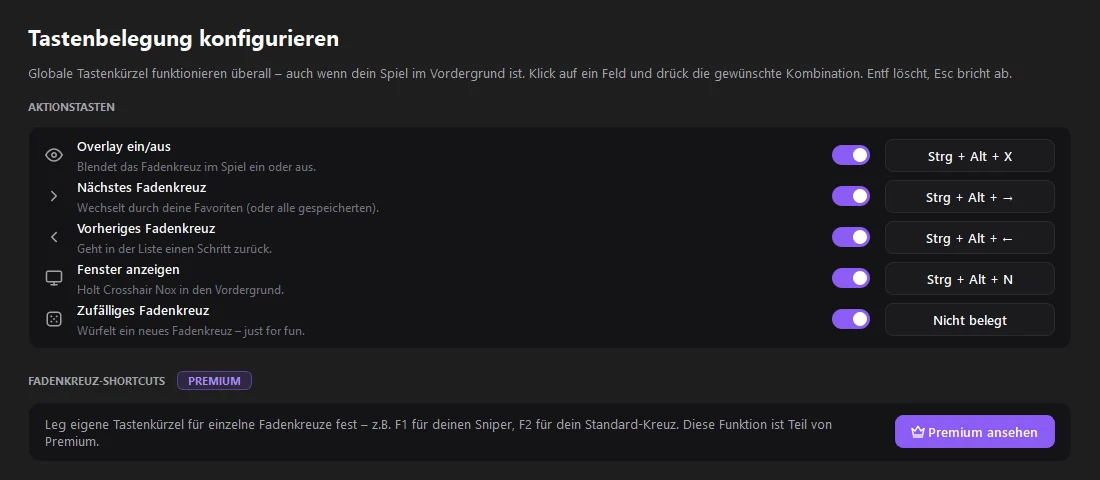
Crosshair Nox draws a custom crosshair on top of your games. Design it with shapes, layers and a pixel drawing tool, import codes from other games, share your designs with the community and switch between them with hotkeys.
The app installs itself and keeps itself up to date automatically.
Features
- Designer with all shapes and layers
- Pixel drawing tool: pen, line, fill, eyedropper
- Community library: browse, like and upload designs
- Show only while in game
- Share codes and Valorant/CS2 code export for simple crosshairs
- Automatic updates
Changelog
Version 1.1.0 (Setup)
Released Oct 20, 2026
Installer: installs the currently released Crosshair Nox version and keeps it up to date automatically.